 HILO PLAYERHILO PLAYER
Hilo Player plays the playlist from your own provider on your TV and phone: live TV with a programme guide, movies, series and catch up, in a fast, simple interface.
Hilo Player does not include any channels or content.
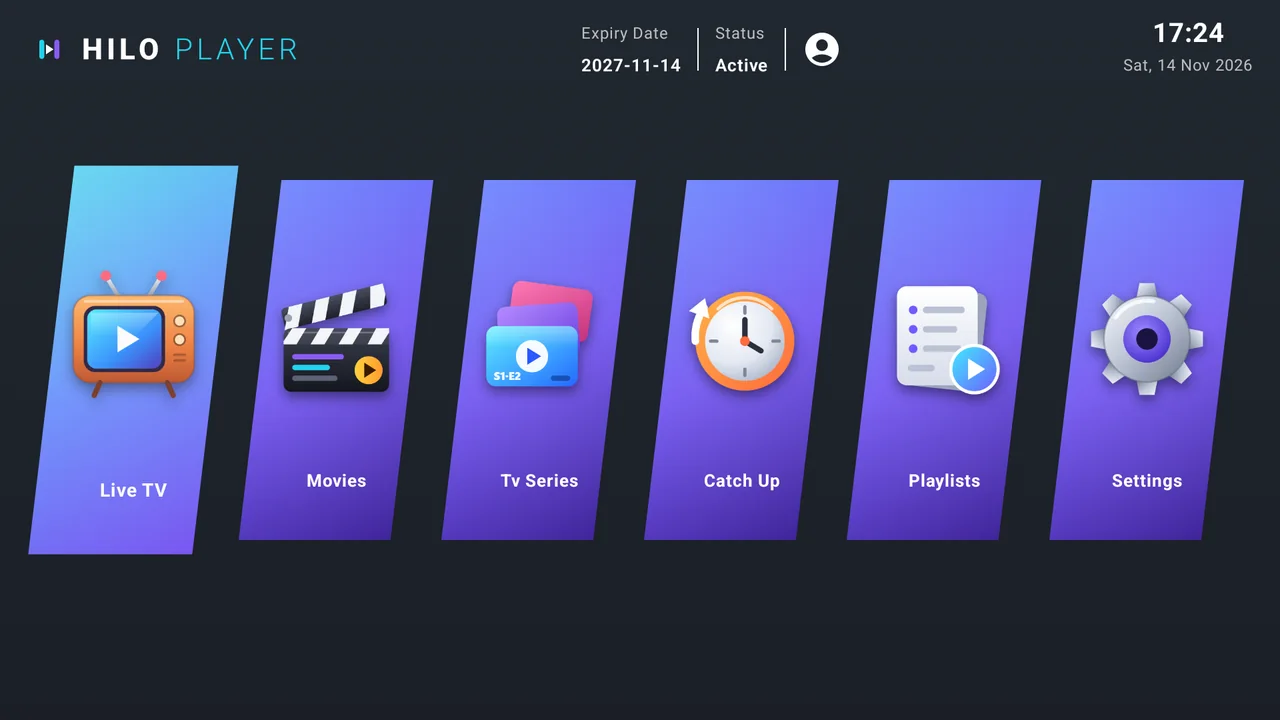
We do not sell IPTV subscriptions, channels or playlists, and the app contains no content of its own. You bring the playlist from your own provider, and Hilo Player plays it.
Every installation gets its own Device ID and Device Key, so there is no account to create.
On first launch the app shows your Device ID (a MAC-style address) and a 6-digit Device Key.
On Manage Playlists enter the Device ID and Device Key, then add the M3U link or the Xtream login you received from your provider.
Choose Refresh in the app. Your categories, channels, movies and series appear and you can start watching.
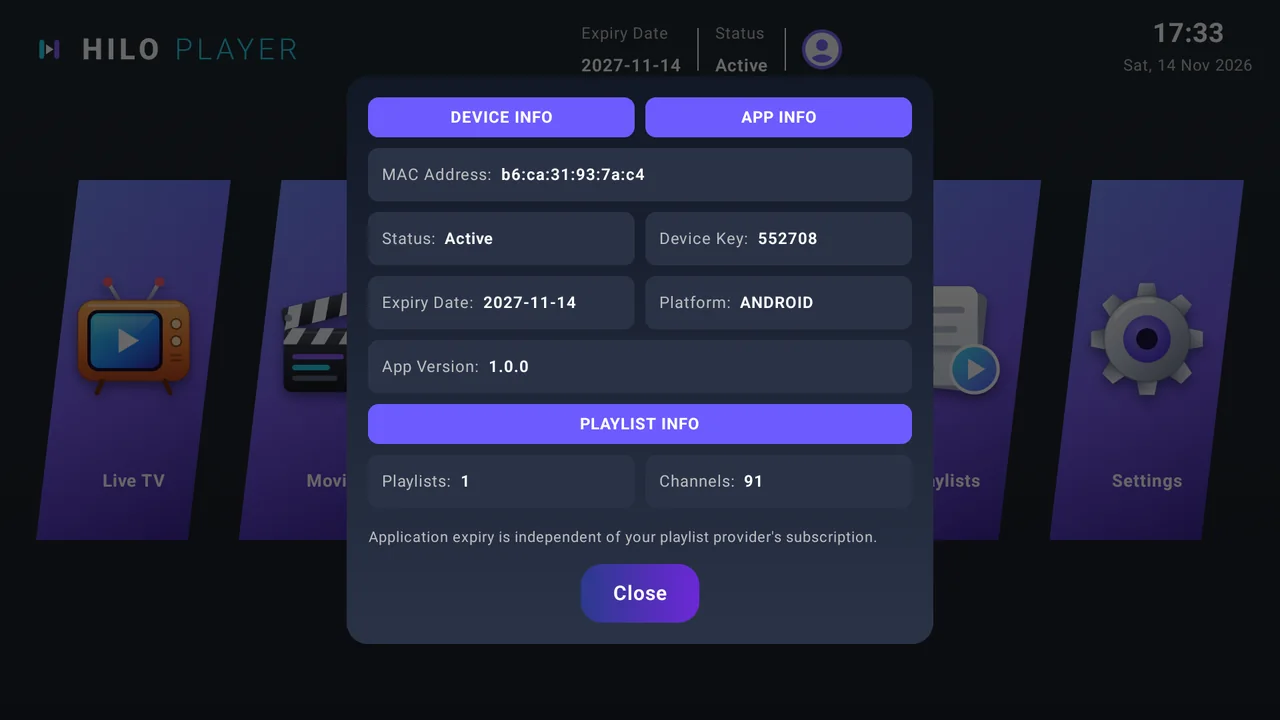
Open the account icon at the top of the home screen. The window shows everything you need on this website.
What Hilo Player does today, on every supported device.
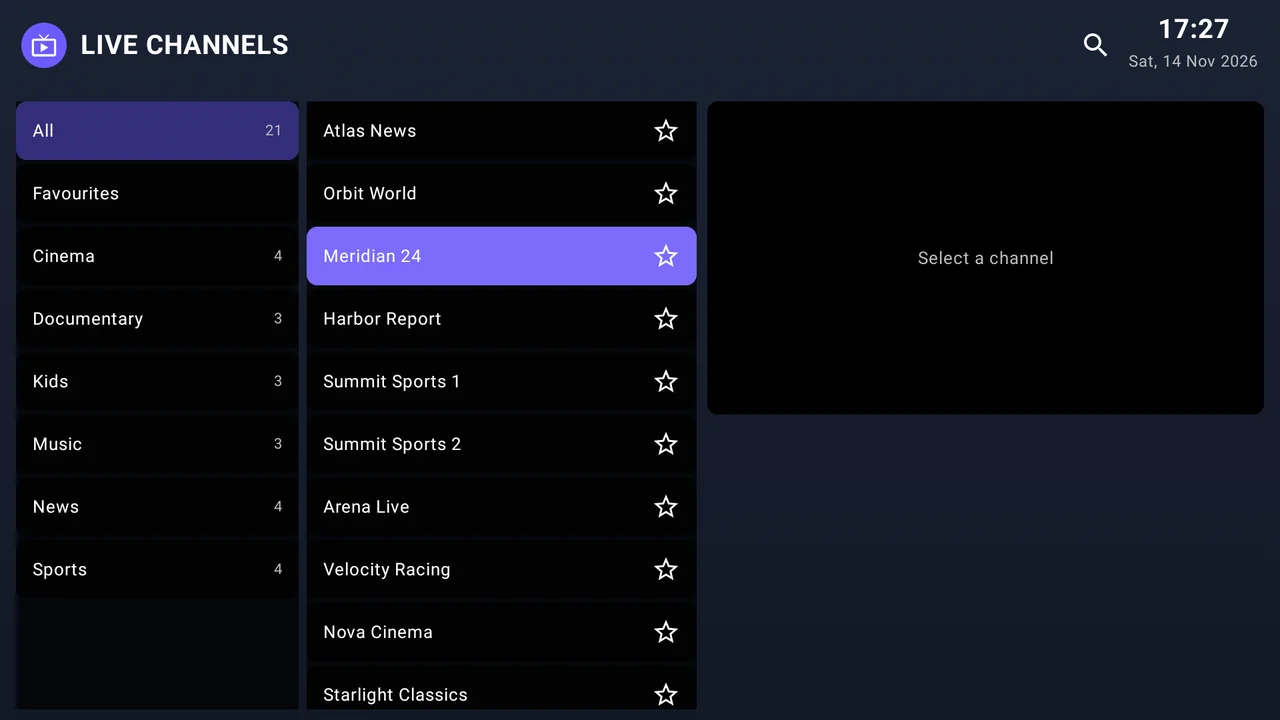
Browse by category, search, mark favourites and see what is on now and next when your provider supplies a guide (XMLTV).
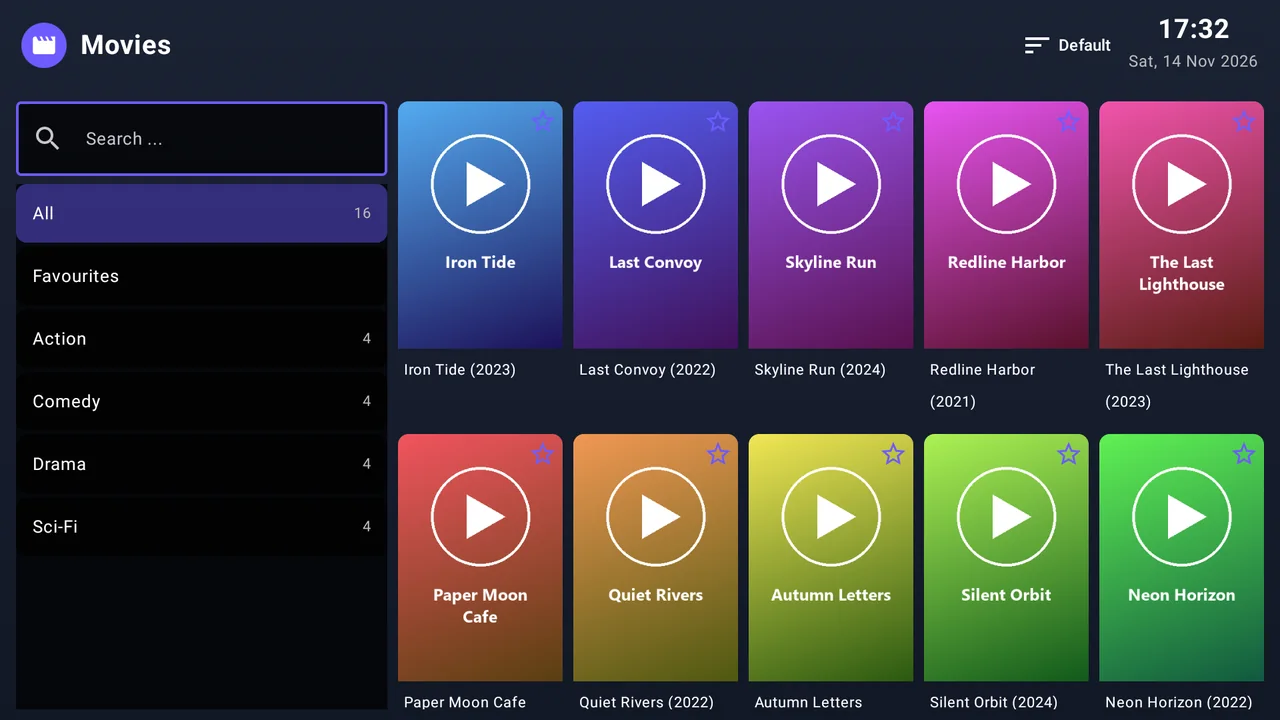
Posters, descriptions, seasons and episodes, plus resume playback where you stopped.
Watch past programmes on channels where your provider offers time-shift.
Lock categories behind a PIN and hide the categories you do not want to see.
Save up to 20 playlists on your device record, as an M3U link or with Xtream login details.
English, Arabic (right-to-left), French, Spanish, Turkish and German.
Pick the video engine for live and for movies, and the picture aspect ratio.
Designed for TV remotes, including the LG Magic Remote, and for touch on phones.
New device or factory reset? Restore your licence and playlists with a recovery code.
Screens from Hilo Player on Android TV. Select a picture to enlarge it. Channel and film names are made-up test data.
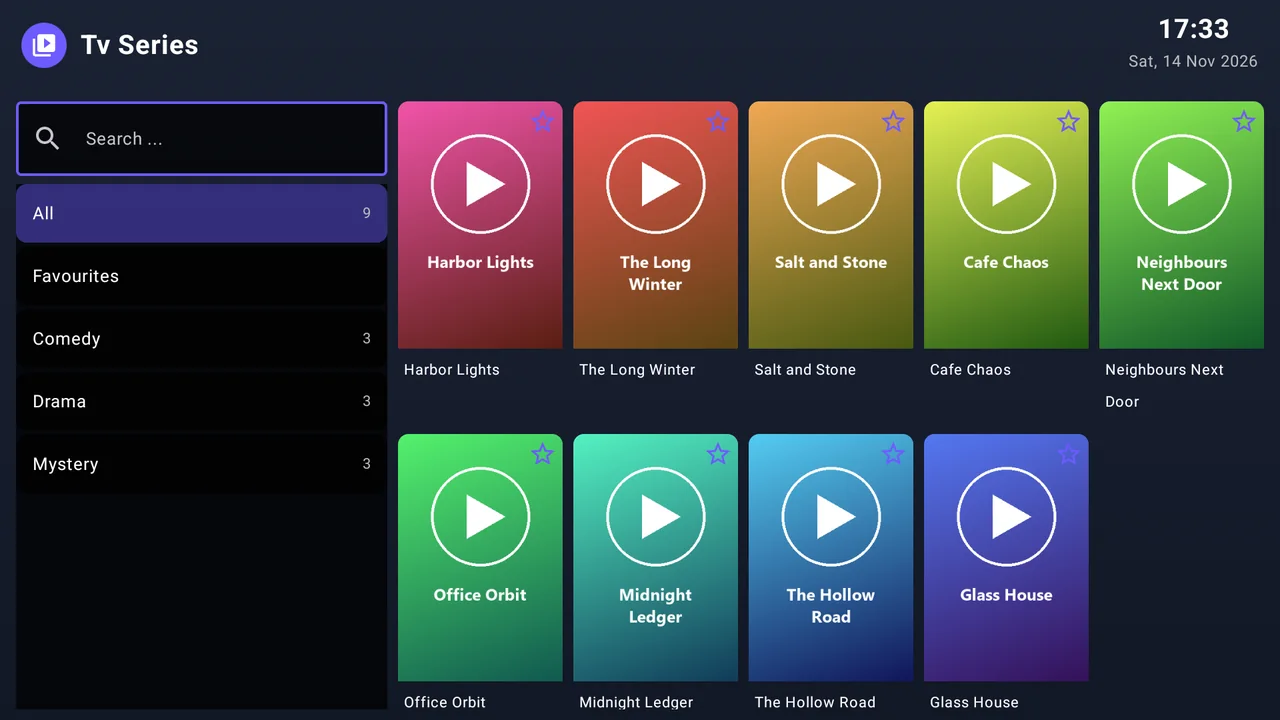
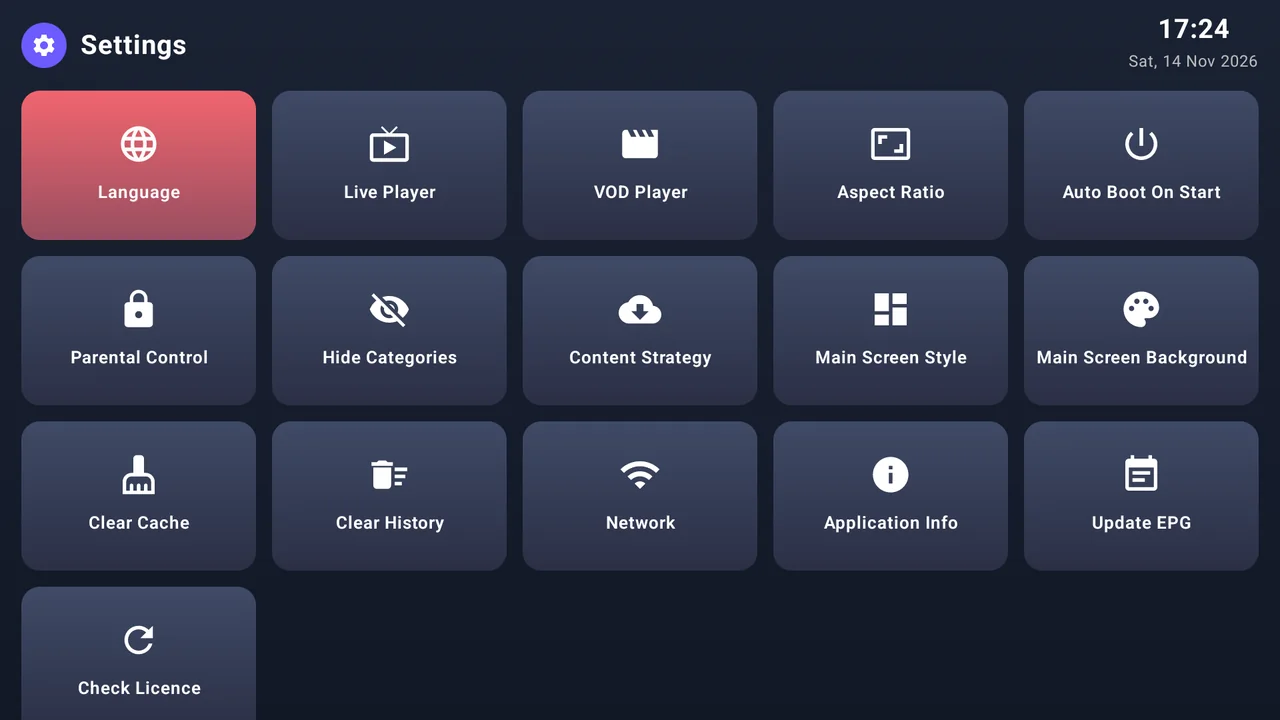 ×××××
The same licence system and website work on all of them.
Touch interface for your phone or tablet.
Made for the TV remote.
Made for the LG remote and Magic Remote.
The device needs an activation to keep working.
The app shows its licence status and the expiry date on the home screen and in the account area. The operator or an authorised reseller activates the device by its MAC address.
Sign in to your reseller account to manage your credits and sub-resellers and to activate devices by MAC address.
Short answers about content, licence and privacy.
No. Hilo Player is only a player. It does not sell or provide playlists, channels or subscriptions, and we cannot recommend or help you find one. You add the playlist you got from your own provider.
They are shown inside the app. On a device without a playlist the start screen displays them, and you can see them again in the app's account area. Enter them on the Manage Playlists page of this website.
The operator or an authorised reseller activates the device by its MAC address. The app shows your licence status and expiry date.
No, they are independent. The Hilo Player licence is for the app. Your channels and films depend only on the subscription you have with your own provider.
No. Playlist links and provider logins are stored encrypted, each device sees only its own playlists, and resellers can activate a device by its MAC but cannot see its playlists. See the Privacy Policy for details.
Some providers restrict the network or the device they accept, and not every TV supports every stream format. In the settings you can switch the video engine for live TV and movies, which often helps. Problems that come from the playlist itself have to be solved with your provider.
Yes, if your provider supplies one. Hilo Player reads an XMLTV guide or the guide data from the provider and shows now / next on live channels.
Yes. Create a recovery code on the Manage Playlists page and enter it in the app (Settings, Device Recovery) on the new device. You can also move your licence and playlists to another MAC once.
Open the app, note your Device ID and Device Key, then add your playlist here.